RunnerCalc

Enter Pre-Race Data
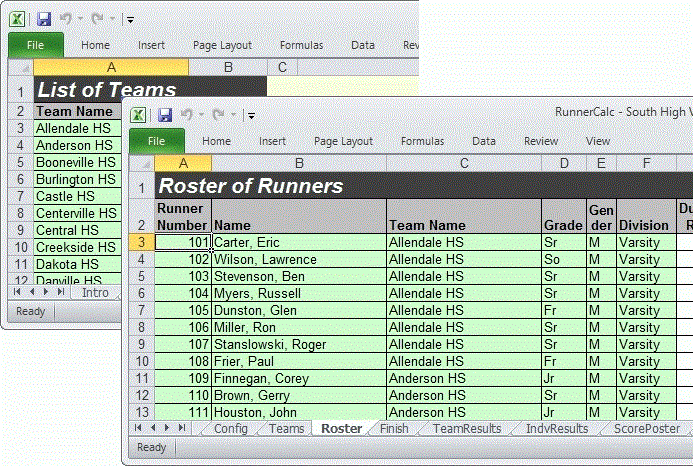
Before the race, you enter a list of schools and a roster of runners. Entering the schools (or teams) is nothing more than typing the names of the schools in a column of the “Schools” spreadsheet.Next you enter a roster of runners. Each runner is given a number and a name and then the runner’s school is selected from a drop-down list of the previously entered schools. If desired, the runner’s grade level, gender and division can also be entered. Roster data can also be imported from an external spreadsheet or csv file.
There is an option to print barcode tags (on standard
address labels) for each runner in the roster. See Using Barcodes.